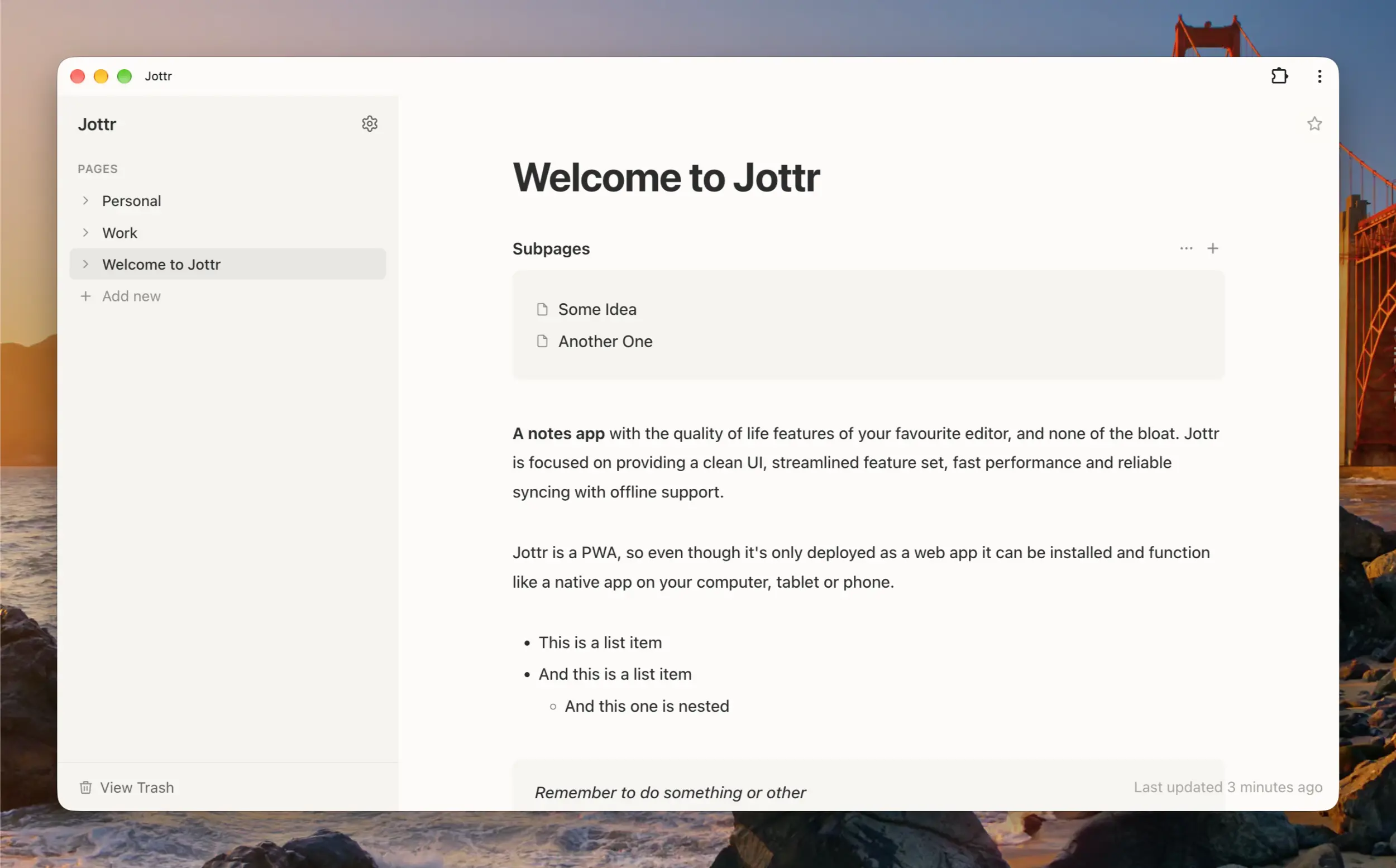
Just want the link? Here it is! jottrapp.com
I've been using Notion every single day, multiple times per day, for as long as I can remember. Everything from daily shopping lists to long term plans for home renovations are meticulously logged, tracked and updated in detail without missing a beat - so to say it's been an important tool for me would be an understatement.
That said, over the years Notion has been in a wrestling match against bloat and feature creep. This is a fight that I felt like it was broadly winning for a long time - new unnecessary features would pop up, be a bit of annoying visual clutter for a time, but would eventually be removed or tucked away in a menu and I would breathe a sigh of relief.
Unfortunately the tides have now well and truly turned and the Notion UI is becoming increasingly filled with nagging notifications, unnecessary bloat and, you guessed it, AI features. I could just about cope with all of this if it silently existed in the background and I could opt in to the bits I wanted, but they're trying to make this stuff impossible to ignore with unclearable notification dots in your sidebar, nagging popups to upgrade to get more usage for tools I don't even use, and so on. Worse still, alongside all of these new features (or perhaps because of them) performance is deteriorating both in terms of the responsiveness of the UI, and basic data syncing between my devices. Notion has gone from an extension of my own brain which I barely even noticed I was using, to a constant minor hassle - that was enough to get me to start looking elsewhere.
Notes app are a dime a dozen so you'd think I'd be able to find an alternative pretty easily, but nothing quite fit the bill. Bigger apps like Craft and Obsidian still just felt like "too much" app for me, and various smaller apps which I found through Github repos and Homebrew would do the trick for a couple of days until I inevitably found some feature missing, ran into sync issues or, more often than not, just a lack of polish in the user experience. Yes, I know I think about this stuff way too much, but a good notes app really has become so central to my daily life, so it's weirdly important to me.
All of this is a very roundabout way of saying I created my own! It's called Jottr, and it's perfect... (for me). I built it from the ground up with a few key things in mind: performance (both in UI snappyness and syncing), design (clean and unobtrusive, but not ugly) and features (everything I need and nothing more). It differentiates itself by being nowhere near as bulky something like Craft or Notion, but also being considerably more polished and feature complete than some of the smaller players. It won't be right for everyone, in fact it might be right only for me but if so, it's done its job.
At it's core Jottr is a markdown editor, with all of the usual features and shortcuts. I've stripped some things out like headings and checkboxes as I never use these, and I've added some things in like accordions, callouts, tables, searchable pages when creating a link and so on and so forth. So yes, it's super opinionated.
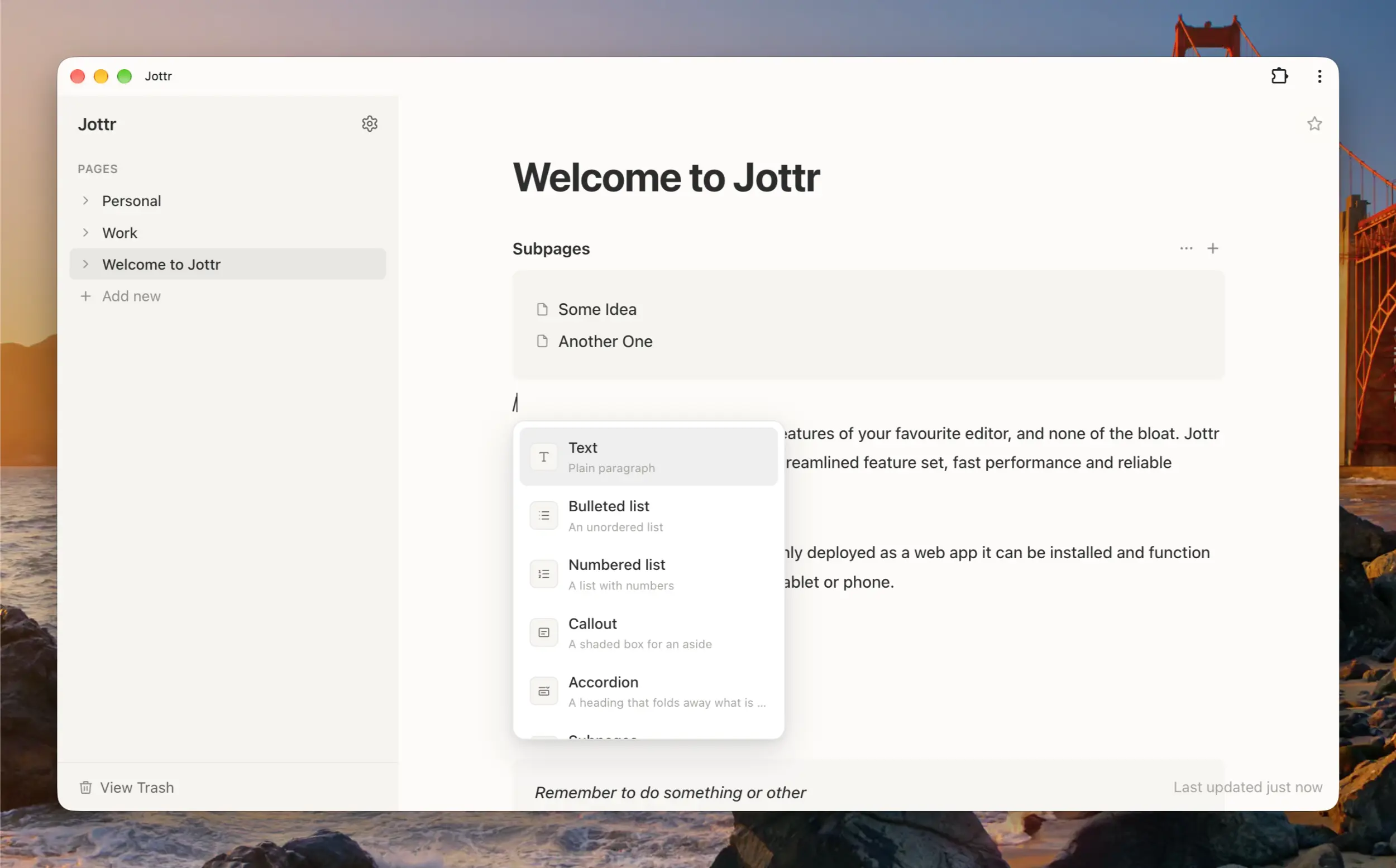
A familiar, simple, user friendly interface
I keep talking about polish, but what do I mean by that? Basically it works intuitively and gets out of your way. I've borrowed ideas from other apps, such as Cmd + A selects all of the current line whereas Cmd + AA selects the whole document, I've meticulously tested and fiddled around the edges of lists and nested lists to make sure they behave right when you're doing things like adding a list item in the middle of an existing list, or nesting a list inside and accordion inside another list. It's also just a clean, quick UI with unobtrusive, subtle animations.
My favourite feature is the "subpages" block. This solves a problem which I always disliked about Notion, which is that if you want to have a page inside another page you basically have to render it in exactly one way, which is just a standalone link directly to that page. In Jottr, pages can have subpages but they don't have to be rendered on the page at all. You can then choose to link to that page however you like, be it a link in a text block, a list item or not at all. Alternatively you can render the subpages block which creates a readonly block which lists all of that page's subpages. Inside this block you can drag and drop pages like you can in the sidebar, and create new subpages. I absolutely love this feature because I have a lot of deeply nested pages, many of which are just index pages which categorise other pages beneath them. Using the subpages block I can efficiently organise a lot of data with automatically generating and updating index pages at every level.
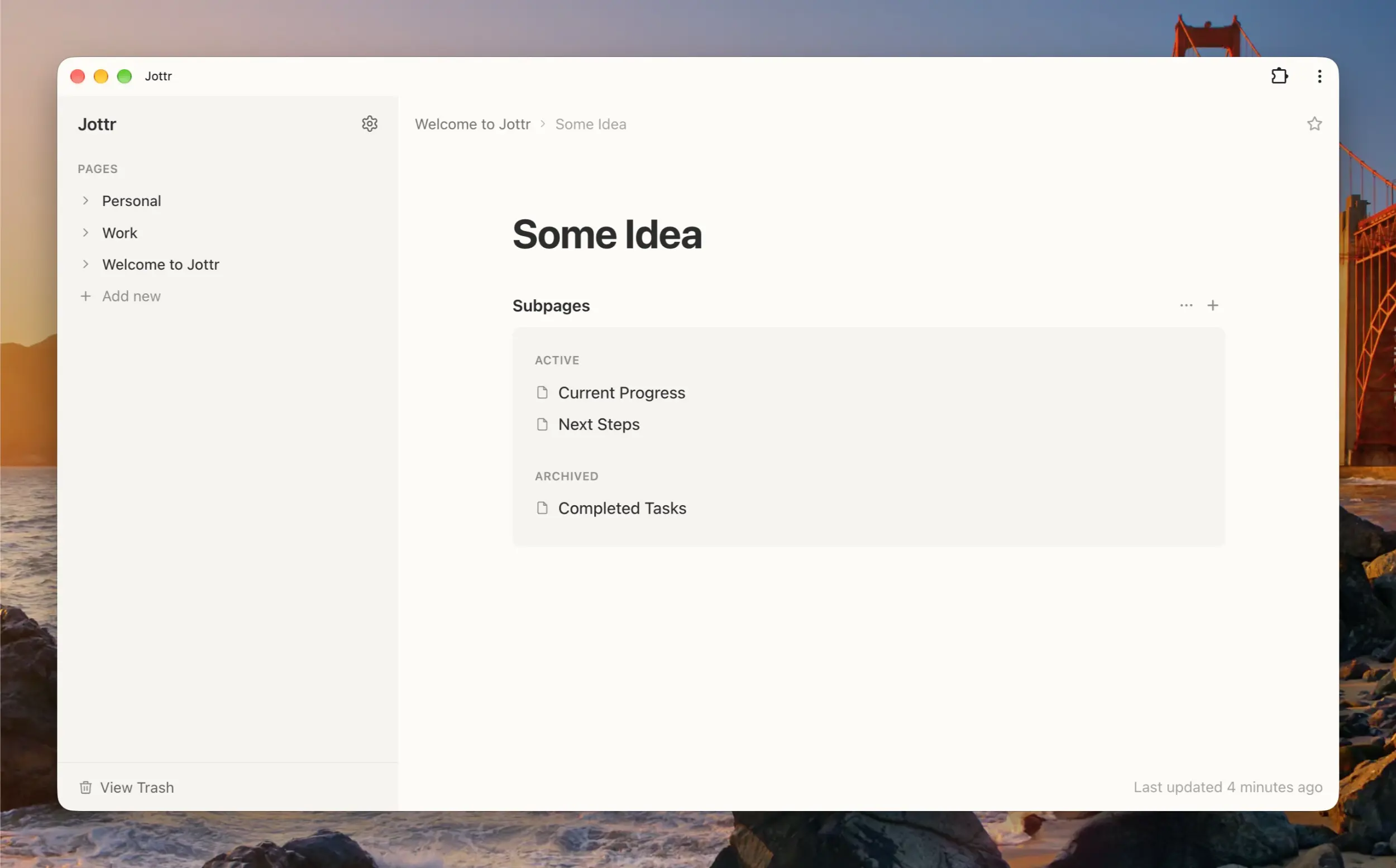
My beloved subpages block - surprisingly powerful
Jottr is deployed exclusively as a web app, but it was built from the ground up to support the PWA standard. This means on any supporting device (which I believe is basically all devices nowadays) you can use the "Add App to Home Screen" feature (this has many different names) to render it as an app. This is how I use Jottr on my 2 MacBooks and my iPhone and it feels and functions completely like a native app.
So there you have it. I don't expect many people (if anyone) other than myself will ever use this, but if you're curious please do give it a go and see what you think. As I mentioned above it's super opinionated, but if your brain works similarly to mine I think you'll see that the simple approach works well and it still offers all of the features you need. This is now the only notes app I use across all of my devices and I absolutely love it. I plan to continue developing it and evolving it in line with my needs into the future, but I'm also open to feedback if anyone does give it a go.
Check out Jottr for yourself at jottrapp.com